Face Liveness Detection
livenessThe Face Liveness model evaluates whether a face is physically present at the moment of capture or if it is a spoofing attempt using screens, prints, masks, or synthetic media.
Overview
The Face Liveness model is a security-focused tool designed to detect presentation attacks and spoofing attempts in identity verification workflows. It distinguishes between a "live" person physically present in front of the camera and a reproduction or synthetic representation of a face.
This model utilizes passive liveness detection, requiring no user interaction. The user simply presents their face to the camera, and the model evaluates whether the image features a live person or a spoofing attempt based on a single static photo or frame.
How it works
Related models
The following models are related:
- In-scene Presence Detection: Detect whether a given face is present in a scene or not.
- AI-generated Image Detection: Determine whether an image is AI-generated.
- Deepfake Detection: Detect deepfakes (face swaps) in images and videos.
- Recapture Detection: Detect whether an image is a recaptured version of an original.
Presentation Attacks Detected
The model is trained to identify a wide range of spoofing attempts, including:

Replay attacks (face on a screen)
Digital reproductions on phones, tablets, or monitors. This includes cases where the edge of the screen or monitor is not visible.
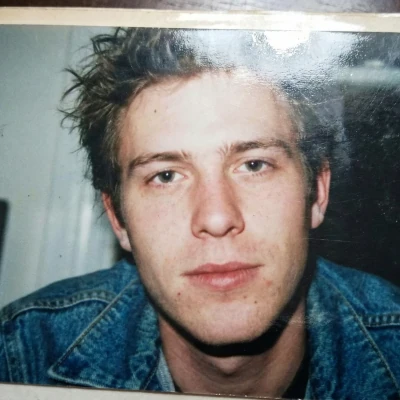
Face on a printed paper
Physical prints, photos, magazine covers, posters, etc.
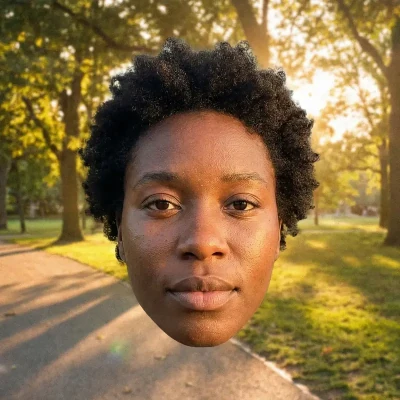
Face added as postprocessing
Digital overlays or elements inserted after the image was captured.
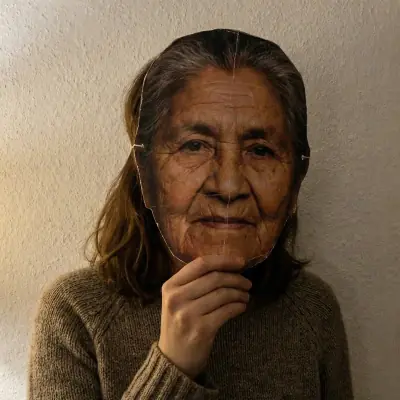
2D face masks
Physical masks that are flat and two-dimensional.
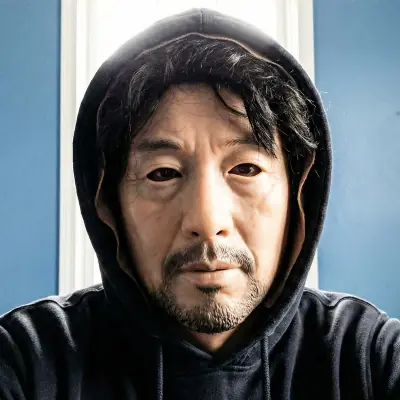
3D masks
3D attempts using materials such as silcone, paper, or cardboard.
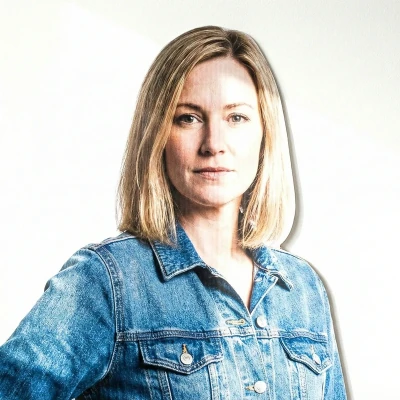
Cutouts
Physical cutouts of a full body, of an upper body, or of a face.
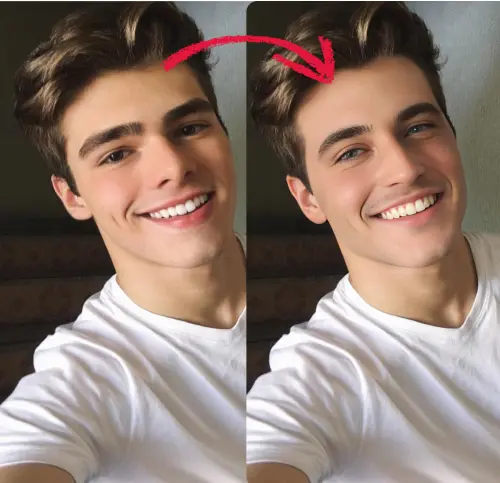
Deepfakes
AI-generated face swaps or visual manipulations.

GenAI images
Entirely synthetic faces generated by AI models.
Initial Validation
Before the API performs a liveness check, the image must meet specific quality and composition criteria. If these conditions are not met, the API will reject the image without assessing liveness:
- Single Subject: A single face must be present in the image. Small faces can be present in the background as long as they are significantly smaller.
- Face Size: The face must not be too small (less than 1% of the image) or too large (more than 95% of the image).
- Visibility: The face must be easy to see, meaning it is not too obstructed, is of decent visual quality, and is not facing backwards.
Valid captures
The following images fulfill all criteria and will be processed by the model:

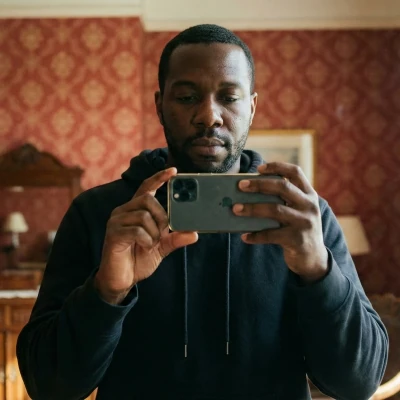
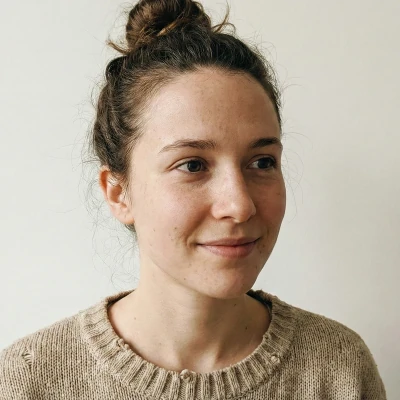
Invalid captures (skipped)
The following images fail to the meet the quality and size constraints. They will be rejected. No liveness checks will be made on them:
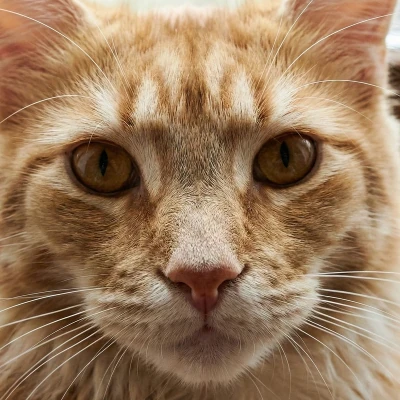 No human face
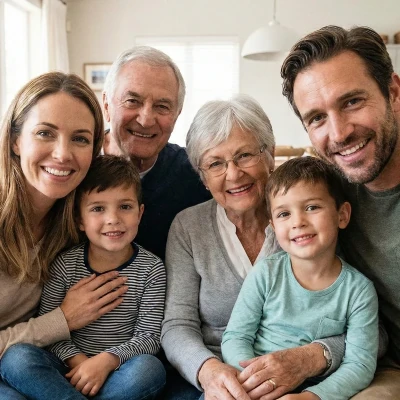 Too many faces of comparable size
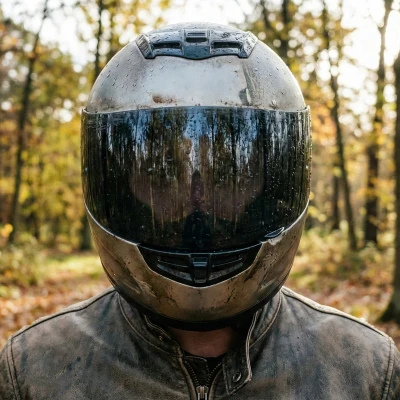 High level of face obstruction
 Facing backwards
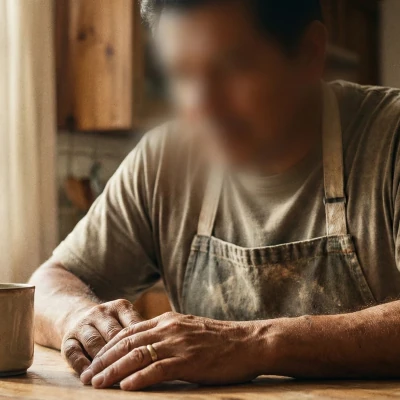 Low face quality & recognizability
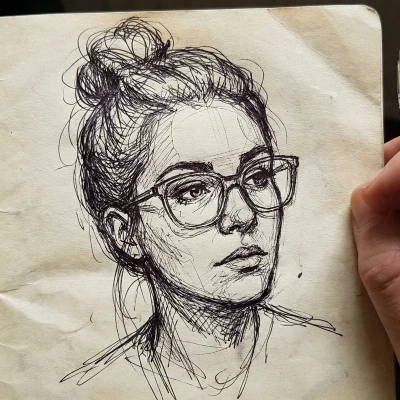 Inanimate (non-real) face
Code examples
If you haven't already, create an account to get your own API keys.
Detecting liveness
You can either share a URL to the image, or upload the image file. Supported formats include JPEG, PNG, WebP, AVIF and more.
Option 1: Send image URL
Here's how to proceed if you choose to share the image URL:
curl -X GET -G 'https://api.sightengine.com/1.0/check.json' \
    -d 'models=liveness' \
    -d 'api_user={api_user}&api_secret={api_secret}' \
    --data-urlencode 'url=https://sightengine.com/assets/img/examples/example-fac-1000.jpg'
# this example uses requests
import requests
import json

params = {
  'url': 'https://sightengine.com/assets/img/examples/example-fac-1000.jpg',
  'models': 'liveness',
  'api_user': '{api_user}',
  'api_secret': '{api_secret}'
}
r = requests.get('https://api.sightengine.com/1.0/check.json', params=params)

output = json.loads(r.text)
$params = array(
  'url' =>  'https://sightengine.com/assets/img/examples/example-fac-1000.jpg',
  'models' => 'liveness',
  'api_user' => '{api_user}',
  'api_secret' => '{api_secret}',
);

// this example uses cURL
$ch = curl_init('https://api.sightengine.com/1.0/check.json?'.http_build_query($params));
curl_setopt($ch, CURLOPT_RETURNTRANSFER, true);
$response = curl_exec($ch);
curl_close($ch);

$output = json_decode($response, true);
// this example uses axios
const axios = require('axios');

axios.get('https://api.sightengine.com/1.0/check.json', {
  params: {
    'url': 'https://sightengine.com/assets/img/examples/example-fac-1000.jpg',
    'models': 'liveness',
    'api_user': '{api_user}',
    'api_secret': '{api_secret}',
  }
})
.then(function (response) {
  // on success: handle response
  console.log(response.data);
})
.catch(function (error) {
  // handle error
  if (error.response) console.log(error.response.data);
  else console.log(error.message);
});
See request parameter description
| Parameter | Type | Description |
| url | string | URL of the image to analyze |
| models | string | comma-separated list of models to apply |
| api_user | string | your API user id |
| api_secret | string | your API secret |
Option 2: Send image file
Here's how to proceed if you choose to upload the image file:
curl -X POST 'https://api.sightengine.com/1.0/check.json' \
    -F 'media=@/path/to/image.jpg' \
    -F 'models=liveness' \
    -F 'api_user={api_user}' \
    -F 'api_secret={api_secret}'
# this example uses requests
import requests
import json

params = {
  'models': 'liveness',
  'api_user': '{api_user}',
  'api_secret': '{api_secret}'
}
files = {'media': open('/path/to/image.jpg', 'rb')}
r = requests.post('https://api.sightengine.com/1.0/check.json', files=files, data=params)

output = json.loads(r.text)
$params = array(
  'media' => new CurlFile('/path/to/image.jpg'),
  'models' => 'liveness',
  'api_user' => '{api_user}',
  'api_secret' => '{api_secret}',
);

// this example uses cURL
$ch = curl_init('https://api.sightengine.com/1.0/check.json');
curl_setopt($ch, CURLOPT_POST, true);
curl_setopt($ch, CURLOPT_RETURNTRANSFER, true);
curl_setopt($ch, CURLOPT_POSTFIELDS, $params);
$response = curl_exec($ch);
curl_close($ch);

$output = json_decode($response, true);
// this example uses axios and form-data
const axios = require('axios');
const FormData = require('form-data');
const fs = require('fs');

data = new FormData();
data.append('media', fs.createReadStream('/path/to/image.jpg'));
data.append('models', 'liveness');
data.append('api_user', '{api_user}');
data.append('api_secret', '{api_secret}');

axios({
  method: 'post',
  url:'https://api.sightengine.com/1.0/check.json',
  data: data,
  headers: data.getHeaders()
})
.then(function (response) {
  // on success: handle response
  console.log(response.data);
})
.catch(function (error) {
  // handle error
  if (error.response) console.log(error.response.data);
  else console.log(error.message);
});
See request parameter description
| Parameter | Type | Description |
| media | file | image to analyze |
| models | string | comma-separated list of models to apply |
| api_user | string | your API user id |
| api_secret | string | your API secret |
API response
The API will then return a JSON response with the following structure:
{
  "status": "success",
  "request": {
    "id": "req_1SJJxJjUHnSVWreApx9fF",
    "timestamp": 1693574119.571633,
    "operations": 10
  },
  "liveness": {
    "score": 0.99,
    "rejection_reason": ""
  },
  "media": {
    "id": "med_1SJJEFuLqeSedThQjhNoS",
    "uri": "https://sightengine.com/assets/img/examples/example-fac-1000.jpg"
  }
}
Successful Response
Status code: 200, Content-Type: application/json| Field | Type | Description |
| status | string | status of the request, either "success" or "failure" |
| request | object | information about the processed request |
| request.id | string | unique identifier of the request |
| request.timestamp | float | timestamp of the request in Unix time |
| request.operations | integer | number of operations consumed by the request |
| liveness | object | results for the model |
| media | object | information about the media analyzed |
| media.id | string | unique identifier of the media |
| media.uri | string | URI of the media analyzed: either the URL or the filename |
Error
Status codes: 4xx and 5xx. See how error responses are structured.The model returns a liveness object containing two elements:
- Score: A float ranging from 0 to 1; the closer to 0, the more certain the model is of a spoofing attempt.
liveness.score - Rejection Reason: A string explaining why the image was rejected.
liveness.rejection_reasonRejection Reason Description (Empty string) Empty if score > 0.5. no_face No human face detected in the image. too_many_faces Too many faces detected. inanimate_face A face was detected but belongs to an artwork or an inanimate object. invalid_face The main face does not fulfill the conditions to perform a liveness check. It is either too far away, too close, not clear enough or has some obstruction. spoof Spoofing attempt. deepfake Deepfake (face swap attack). ai_generated AI-generated image.