Image Quality Detection
qualityAutomatically detect image quality factors such as sharpness, bluriness, contrast, and brightness
Overview
The Image Quality Model can help you determine the technical quality of an image through a single quality score returned by the API. This score is influenced positively and negatively by multiple factors such as sharpness, lens and motion blur, underexposure and overexposure, light distortions, etc.
Use cases
- Surface high-quality images to users
- Filter low-quality images through a single score
- Encourage users to upload higher quality images
Examples
Blurriness
Blurriness is one of the most important factors when determining the quality of an image. Excessive blur will negatively affect the image's quality score.


One image can have various levels of blurriness in it due to being either in-focus or out-of-focus; elements in the foreground will be quite sharp, while elements in the background will be extremely blurry. Alternatively, the other common form of blurring is motion blur, i.e. afterimages of people or objects in motion. In those cases, the score will be lowered but less so than if the blur occurred over the whole image.
Incorrect exposure
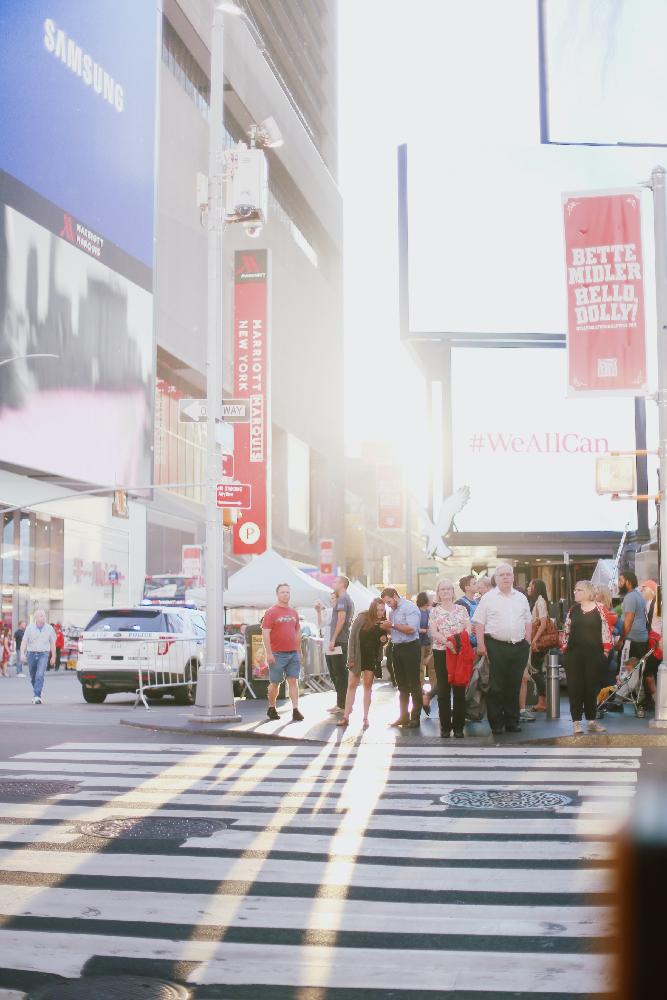
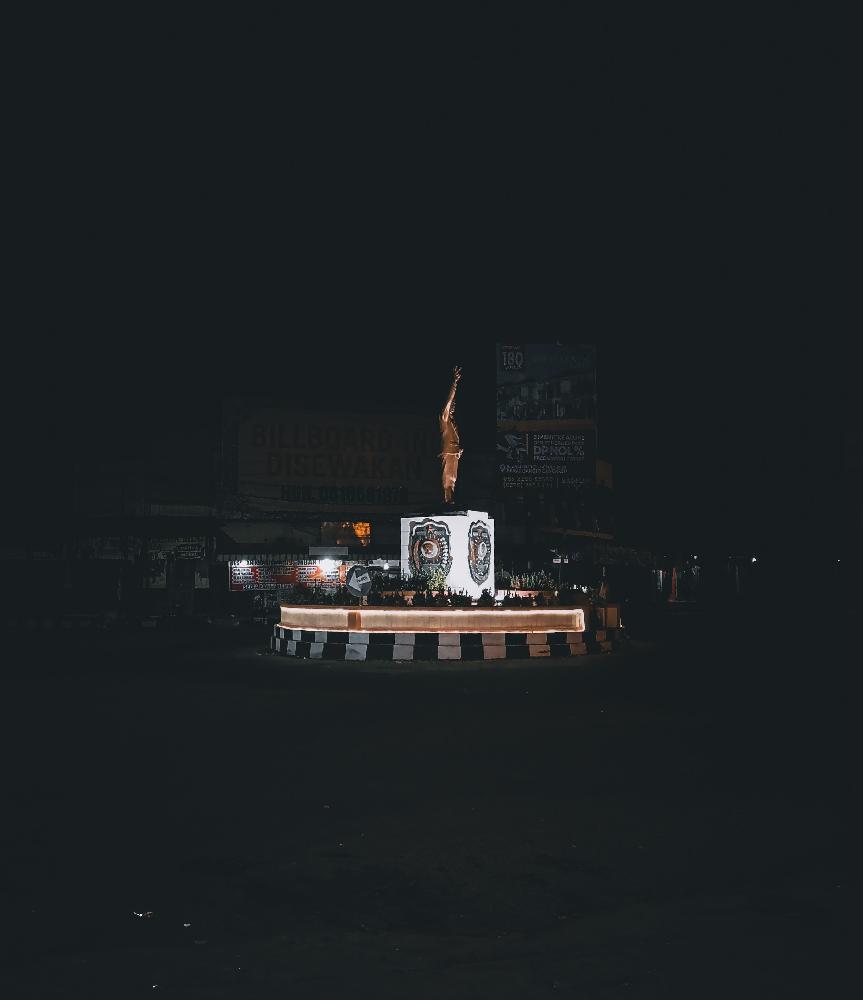
Incorrect exposure refers to images that are either excessively bright (overexposure) or dark (underexposure). Such cases can happen when taking backlit images. Both overexposure and underexposure decrease the overall quality score.
Light distorsions
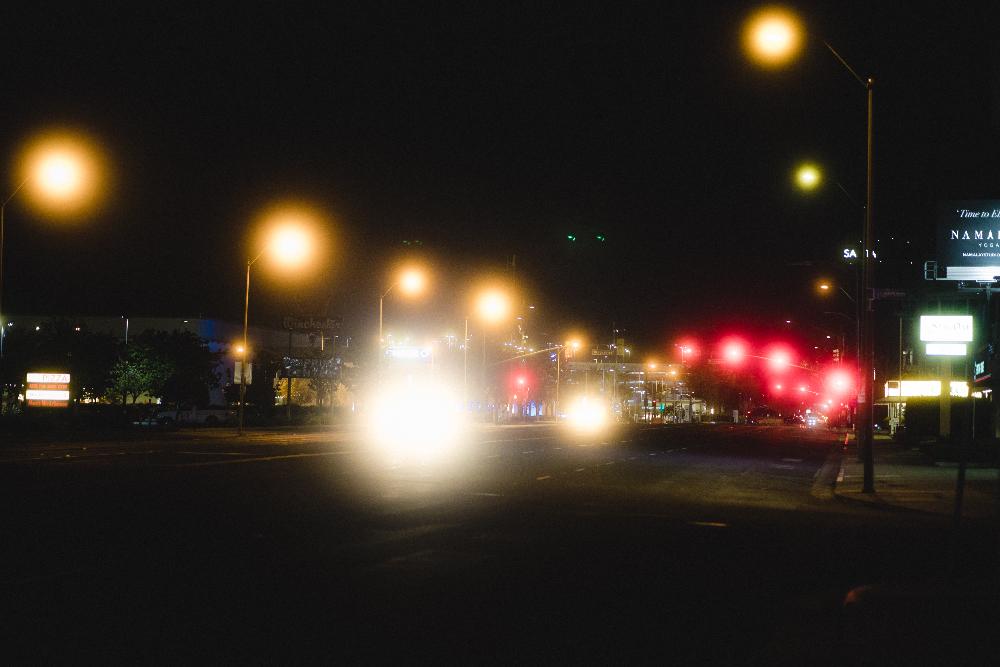
Otherwise fine pictures taken in a somehow dark setting can be negatively influenced by the presence of light distortions taking an unnatural amount of place in the image. For instance, traffic lights at nighttime tend to provoke such distortions and reduce the quality score returned by the API.
Recommendations
Thresholds
If you need to detect low-quality images, we recommend starting with a threshold around 0.5 and adjusting as required. For a more custom threshold, the following description might be helpful:
- Below 0.25: very poor quality; the images are heavily blurred and/or present very strong distortions that significantly affect the image content.
- 0.25 to 0.45: poor to decent quality; presence of strong light distortions, underexposure, strong lens blur, etc.
- 0.45 to 0.6: decent to good quality; the images are slightly blurred, overexposed or present minor noise artifacts.
- 0.6 to 0.85: good to very good quality; only minor defects, such as a slight motion blur or light distortions may sometimes be detected.
- Above 0.85: very good to perfect quality; little to no defects visible in the image.
Limitations
This model has been designed to evaluate the technical quality of a photo. It is not meant to judge the beauty of a scene or of a person, nor to judge the artistic quality of an image.
This model has been designed to work with natural photos. Results for non-natural photos such as cliparts, cartoons or logos might not be optimal.
Use the model
If you haven't already, create an account to get your own API keys.
Detect the technical quality of an image
Let's say you want to evaluate the following image:
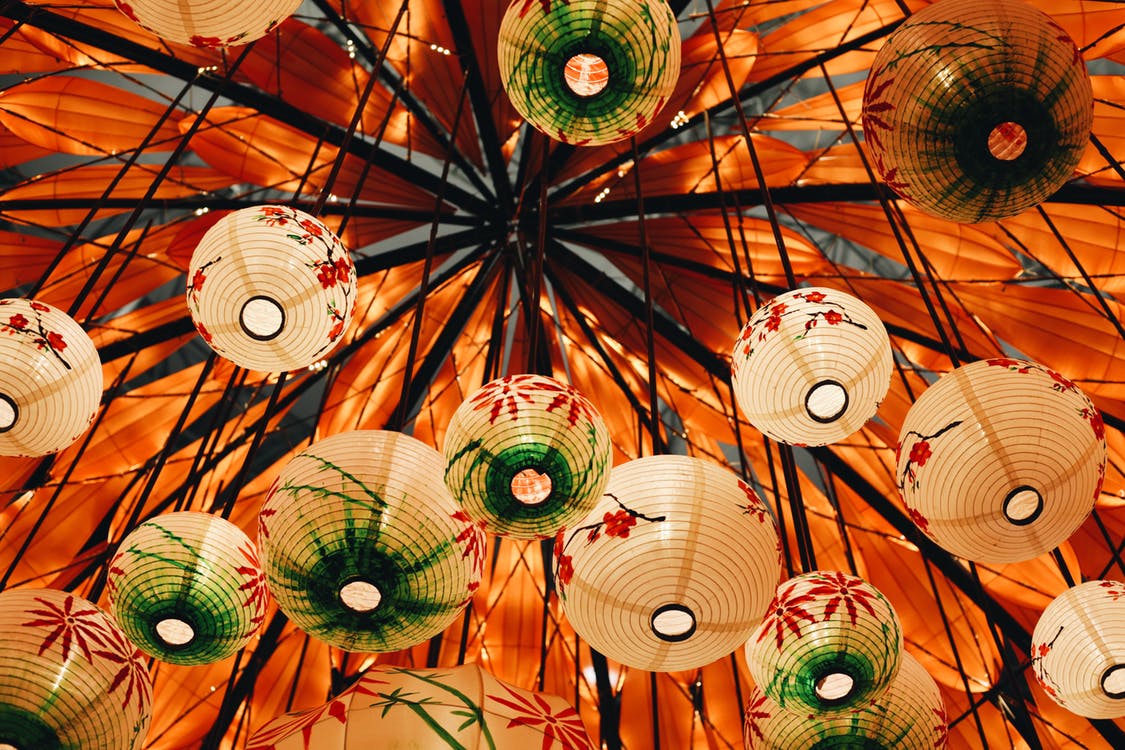
You can either upload a public URL to the image, or upload the raw binary image. Here's how to proceed if you choose to share the image's public URL:
curl -X GET -G 'https://api.sightengine.com/1.0/check.json' \
    -d 'models=quality' \
    -d 'api_user={api_user}&api_secret={api_secret}' \
    --data-urlencode 'url=https://sightengine.com/assets/img/examples/example-prop-c1.jpg'
# this example uses requests
import requests
import json

params = {
  'url': 'https://sightengine.com/assets/img/examples/example-prop-c1.jpg',
  'models': 'quality',
  'api_user': '{api_user}',
  'api_secret': '{api_secret}'
}
r = requests.get('https://api.sightengine.com/1.0/check.json', params=params)

output = json.loads(r.text)
$params = array(
  'url' =>  'https://sightengine.com/assets/img/examples/example-prop-c1.jpg',
  'models' => 'quality',
  'api_user' => '{api_user}',
  'api_secret' => '{api_secret}',
);

// this example uses cURL
$ch = curl_init('https://api.sightengine.com/1.0/check.json?'.http_build_query($params));
curl_setopt($ch, CURLOPT_RETURNTRANSFER, true);
$response = curl_exec($ch);
curl_close($ch);

$output = json_decode($response, true);
// this example uses axios
const axios = require('axios');

axios.get('https://api.sightengine.com/1.0/check.json', {
  params: {
    'url': 'https://sightengine.com/assets/img/examples/example-prop-c1.jpg',
    'models': 'quality',
    'api_user': '{api_user}',
    'api_secret': '{api_secret}',
  }
})
.then(function (response) {
  // on success: handle response
  console.log(response.data);
})
.catch(function (error) {
  // handle error
  if (error.response) console.log(error.response.data);
  else console.log(error.message);
});
The API will then return a JSON response:
{
    "status": "success",
    "request": {
        "id": "req_0zrbHDeitGYY7wEGncAne",
        "timestamp": 1491402308.4762,
        "operations": 1
    },
    "quality": {
      "score": 0.95
    },
    "media": {
        "id": "med_0zrbk8nlp4vwI5WxIqQ4u",
        "uri": "https://sightengine.com/assets/img/examples/example-prop-c2.jpg"
    }
}