Make sure the face is really there
Passive liveness detection that catches presentation attacks from a single photo: screens, printed photos, masks, cutouts, deepfakes and AI-generated faces. No blinking, no head turns, no user interaction.

Not a live capture
Face presented on a screen.
"liveness": { "score": 0.02, "rejection_reason": "spoof" }
Attackers don't limit themselves to one technique
A system that catches screen replays but misses printed photos leaves a door open. The model is trained across the full range of presentation attacks, physical and digital.
Replay attacks
A face replayed on a phone, tablet or monitor, including shots framed so the screen edge never shows.
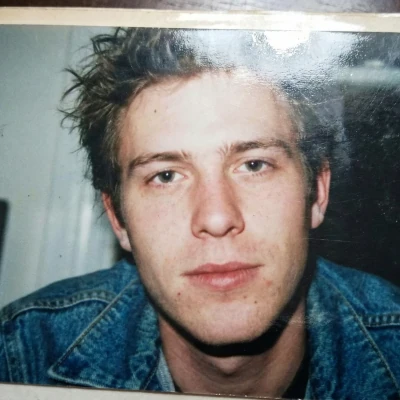
Printed photos
Physical prints, photographs, magazine covers and posters held up to the camera.
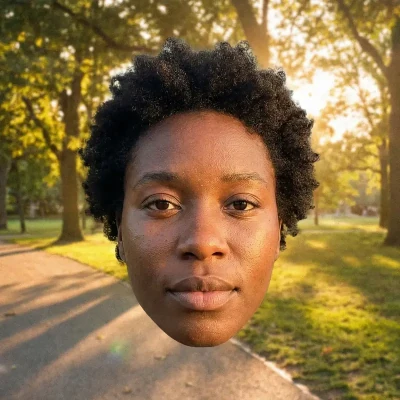
Post-processed faces
A face pasted into the frame after the photo was taken.
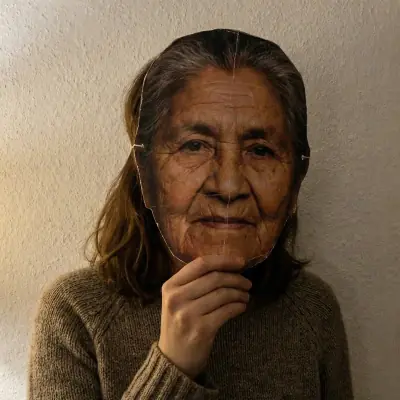
2D face masks
Flat, two-dimensional masks worn in front of the face.
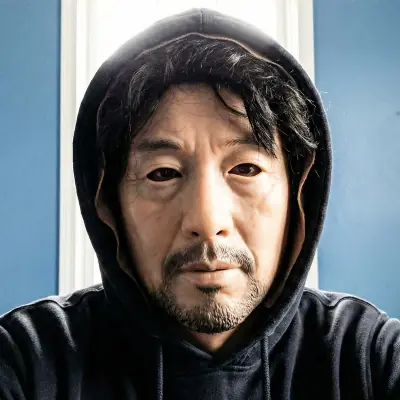
3D masks
Sculpted masks in silicone, paper or cardboard.
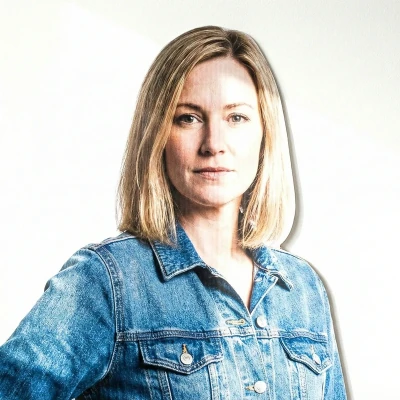
Cutouts
Physical cutouts of a face, an upper body or a full body.
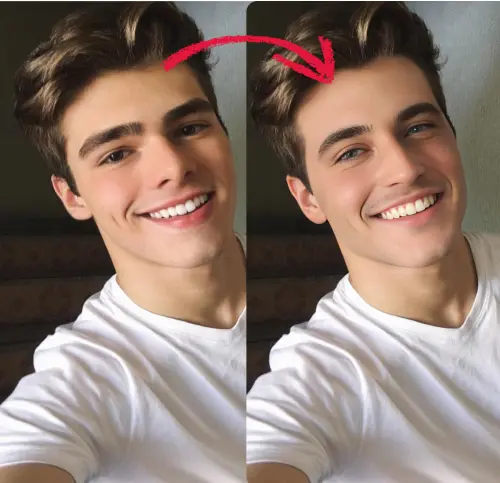
Deepfakes
Someone else's face swapped onto a real capture.
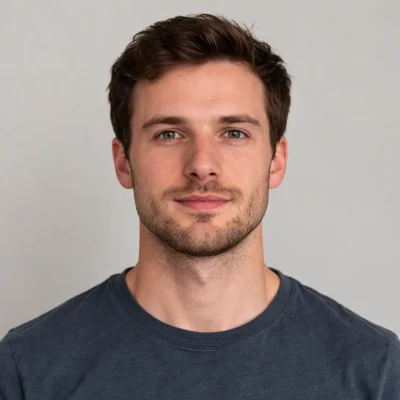
AI-generated faces
Synthetic faces produced by generative AI image models.
From capture to verdict in three steps
The user presents their face. You send the image. You get back a score and, when something is wrong, a reason you can act on.
The user shows their face
A single selfie or camera frame. Nothing to blink at, turn towards or follow.
The model inspects the image
The image is validated for quality and composition, then assessed for every category of presentation attack.
You get an actionable result
A liveness score between 0 and 1, plus a rejection reason when the capture is a spoof or cannot be assessed.
Identity verification is only as strong as its weakest point
You can run the best face-matching algorithm in the world, but if someone holds a photo of another person up to the camera, none of it matters. Liveness detection closes that gap.
KYC
Confirm the person opening the account is really there.
Onboarding
Block fake sign-ups without adding a step.
Access control
Face unlock a printed photo can't open.
Fraud prevention
Claims and applications backed by a real selfie.
Easy for your users. Hard on every kind of fake.
Challenge-response liveness makes your user perform. Classic passive models drop that friction, but they only look for physical props, so a face swap or a generated face walks straight through. We cover both.
| Sightengine | Traditional passive | Active / challenge | |
|---|---|---|---|
| User action | None | None | Blink, turn, follow |
| Media needed | One photo | One photo | Live video |
| Screens, prints, masks | ✓ | ✓ | ✓ |
| Deepfakes & face swaps | ✓ | ✗ | ? |
| AI-generated faces | ✓ | ✗ | ? |
| Works on stored images | ✓ | ✓ | ✗ |
| Integration | One REST call | One REST call | SDK + capture flow |
Detailed rejection reasons
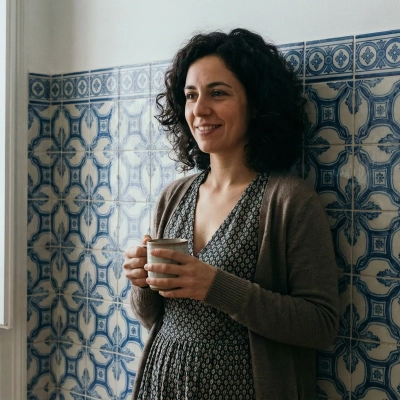
Before looking for a spoof, the API checks the image is good enough to judge. If it isn't, you get a named reason back rather than a score you shouldn't trust, and you can ask for another photo.
- A single subject. One dominant face. Others in the background are fine as long as they're clearly smaller.
- A workable face size. The face must be neither too far away nor cropped too tightly.
- Clear visibility. Decent quality, not heavily obstructed, and not turned away from the camera.
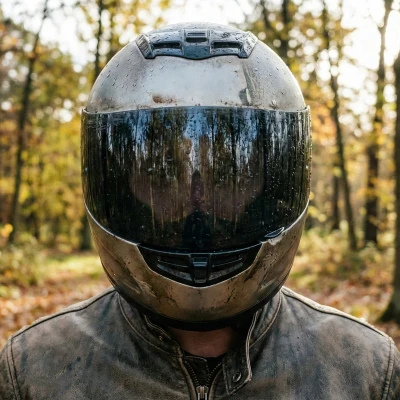
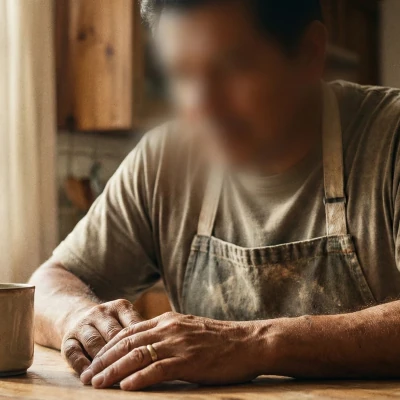
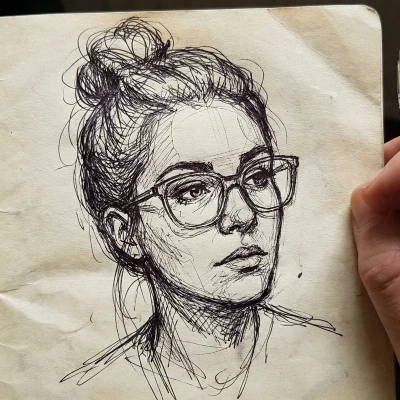
Valid captures, assessed by the model
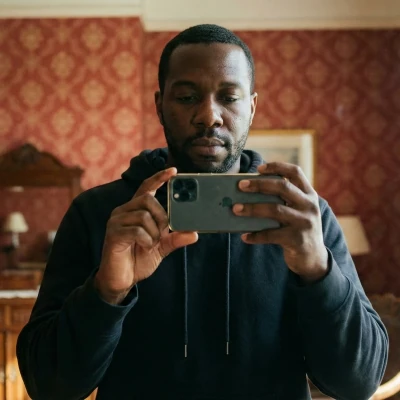
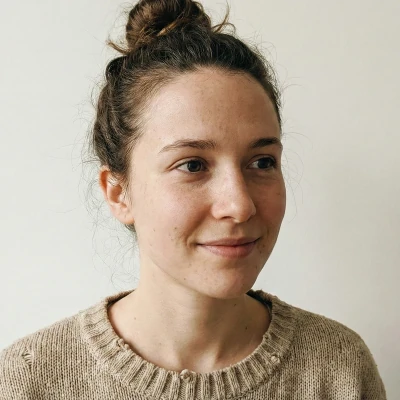
Invalid captures, rejected with a reason
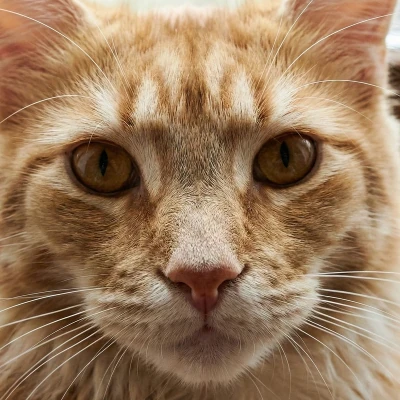
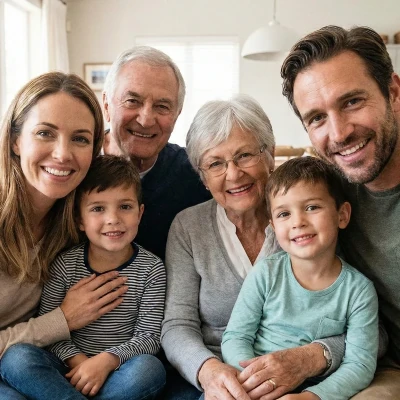

Quick and easy to integrate.
Liveness runs on the same endpoint and the same API keys as every other Sightengine model. If you already call the API, adding it is a one-word change.
curl -X POST 'https://api.sightengine.com/1.0/check.json' \
     -F 'media=@/path/to/selfie.jpg' \
     -F 'models=liveness' \
     -F 'api_user={API_USER}' \
     -F 'api_secret={API_SECRET}'
{
  "status": "success",
  "request": {
    "id": "req_1SJJxJjUHnSVWreApx9fF"
  },
  "liveness": {
    "score": 0.99,        // live capture
    "rejection_reason": ""
  }
}
Scale to the sky
From a handful to billions of items per month, with no change to your integration.
Absolute privacy
No human reviewers in the loop. Your users' selfies stay private.
One call, many models
Combine with face analysis and moderation models in a single request.
Part of a complete content-analysis platform
Liveness is one model among many. Combine it with the rest of the suite to build a verification and moderation pipeline from a single API.
Frequently asked questions
What is passive liveness detection?
It works out whether the face in front of the camera belongs to someone actually there, without asking that person to do anything. No blinking on cue, no turning your head, no following a dot around the screen. The user looks at the camera and the model works from a single still image. Since there is no challenge to pass, there is also nothing for an attacker to script their way through.
Which presentation attacks does the model detect?
Screens first: a face replayed on a phone, tablet or monitor, including shots framed so that the edge of the screen never appears. Then printed material, so photographs, magazine covers and posters. Then physical props: flat 2D masks, 3D masks in silicone, paper or cardboard, and cutouts of a face, an upper body or a whole body. On the digital side, faces pasted in after capture, deepfake face swaps, and fully synthetic faces from AI image generators.
Does the user have to blink, turn their head or follow prompts?
No. The check is passive and needs one image, so verification stays at a single capture. That matters most in high-volume sign-up flows, where every extra tap costs you conversions. It also means you can run the check on photos you already hold, not only during a live session.
What does the liveness score mean and what threshold should I use?
The API returns a float between 0 and 1. The closer to 0, the more confident the model is that it is looking at a spoof. Above 0.5 the capture is treated as live and the rejection reason comes back empty. For anything high-stakes, so KYC, account recovery or financial onboarding, push your threshold well above that default and send borderline captures to a human instead of straight through.
Why would an image be rejected without a liveness score?
Because the image could not support a reliable answer. The API wants a single dominant face, taking up between 1% and 95% of the frame, clearly visible, of decent quality, and not turned away from the camera. Miss any of those and you get a named rejection reason instead of a score, which is your cue to ask the user for another photo.
Does it work on video?
The model reads a single still image, so for video you pull a frame and send it like any other image. No sequence of frames is needed, which keeps the check to one request rather than a streaming session.
How does this relate to deepfake and AI-generated image detection?
Liveness rolls both into one verdict. Deepfakes and AI-generated faces count as presentation attacks here, alongside screens, prints and masks, and they come back under the deepfake and ai_generated rejection reasons. If you want those signals on their own, say for moderating general user content rather than verifying an identity, the deepfake and genai models run separately and can go in the same API call.
How do I get access?
Pass models=liveness to the standard image endpoint, using the same API keys and integration as any other Sightengine model. Access comes with Pro and Custom plans. Create an account to get your keys, or talk to us about volume and enterprise requirements.
See why the world's best companies are using Sightengine
Empower your business with Powerful Content Analysis and Filtering.
GET STARTEDREQUEST DEMO