Introducing Face Liveness Detection: Stop Spoofing Before It Starts
Identity verification is only as strong as its weakest point. You can have the best face-matching algorithm in the world, but if someone holds up a photo of another person's face to the camera, none of that matters. Liveness detection closes that gap by determining whether a face is physically present during capture, or whether it is a spoofing attempt.
Sightengine's Face Liveness Detection API uses passive liveness detection: it analyzes a single photo, with no user interaction required. No head turns, no blinks, no eye tracking. The user simply presents their face to the camera, and the API determines whether the face is live or spoofed.
What it detects
The API identifies a wide range of presentation attacks:

Replay attacks (face on a screen)
Digital reproductions on phones, tablets, or monitors. This includes cases where the edge of the screen or monitor is not visible.

Face on a printed paper
Physical prints, photos, magazine covers, posters, etc.
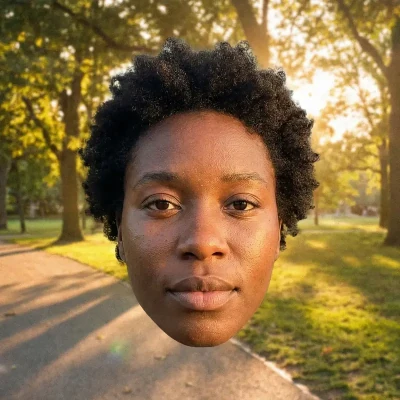
Face added as postprocessing
Digital overlays or elements inserted after the image was captured.

2D face masks
Physical masks that are flat and two-dimensional.

3D masks
3D attempts using materials such as silcone, paper, or cardboard.

Cutouts
Physical cutouts of a full body, of an upper body, or of a face.
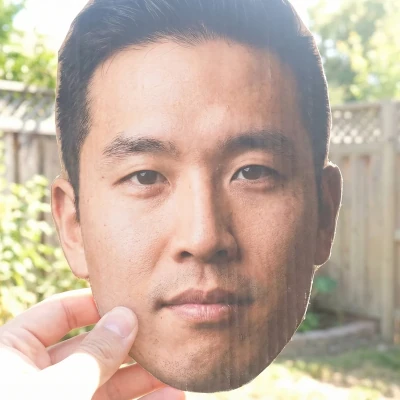
Face cutouts
Physical cutouts of a face.

Deepfakes
AI-generated face swaps or visual manipulations.

GenAI images
Entirely synthetic faces generated by AI models.
This breadth of coverage matters because attackers do not limit themselves to one technique. A system that catches screen replays but misses printed photos leaves a door open.
How it works
The workflow is straightforward:
- Capture an image. The user takes a selfie or presents their face to a camera. A single static photo is all that's needed.
- Send it to the API. Submit the image to Sightengine's check.json endpoint with the liveness model.
- Get the result. The API returns a liveness score and, if the image is rejected, a clear rejection reason.
Because the detection is passive, there is no friction for the end user. No multi-step challenges, no waiting for prompts. This makes it suitable for high-volume onboarding flows where drop-off rates matter.
Quality validation built in
Before performing liveness analysis, the API validates that the image meets the requirements for a reliable assessment:
- A single dominant face must be present (background faces are acceptable if significantly smaller).
- The face must occupy between 1% and 95% of the image area.
- The face must be clearly visible, adequately lit, and unobstructed.
Images that do not meet these criteria are rejected with a specific reason, so your application can prompt the user to retake the photo rather than returning an unreliable result.
Use cases
Liveness detection is a critical building block for any workflow that relies on verifying a person's identity through their face:
- Identity verification and KYC. Financial services, fintech, and regulated industries need to confirm that the person opening an account is physically present, not someone holding up a stolen ID photo.
- User onboarding. Platforms that require selfie verification during sign-up can use liveness detection to prevent fake account creation at scale.
- Access control. Any system using facial recognition for access (physical or digital) benefits from liveness checks to prevent bypass through photos or videos of authorized users.
- Fraud prevention. Insurance claims, loan applications, marketplace transactions: anywhere a face photo is used as proof of identity, liveness detection adds a layer of assurance.
Get started
Face Liveness Detection is available now through the Sightengine API. It works with the same API keys and endpoint you already use for other Sightengine models, so integration is straightforward.
- See the Face Liveness Detection product page for an overview of what the model detects and where it fits.
- Read the full documentation for detailed integration instructions and code examples.
- Already using Sightengine? Just add liveness to your models parameter to start checking images immediately.
Read more
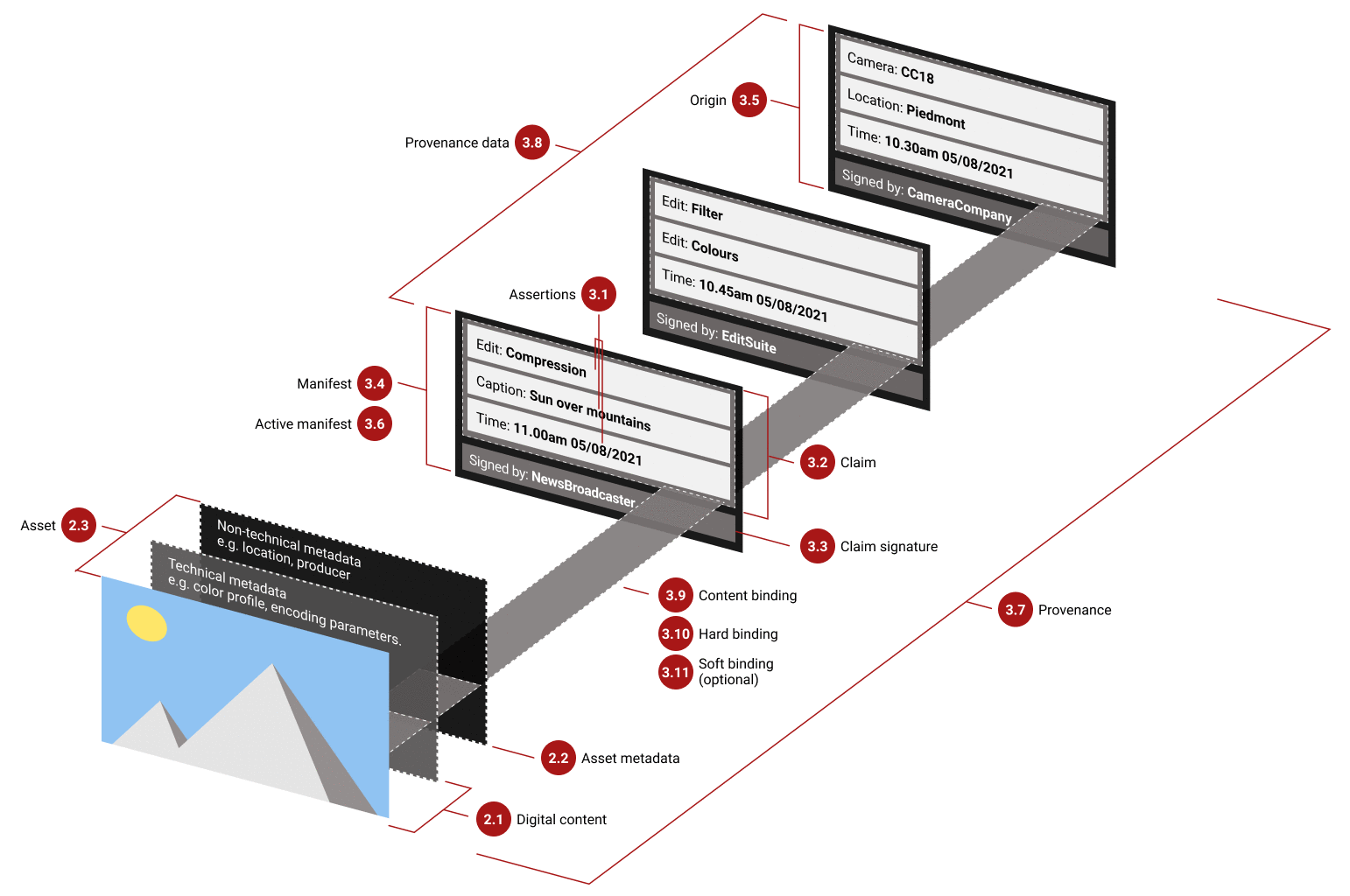
Python C2PA Tutorial: A Hands-on Guide to Verifying Images and Detecting Tampering
A developer's guide to C2PA, showing how to read metadata, detect tampering, and verify content authenticity with Python examples.

How to spot AI images and deepfakes: tips and limits
Learn how to recognize AI-Generated images and deepfakes. Improve your detection skills to stay ahead of the game.